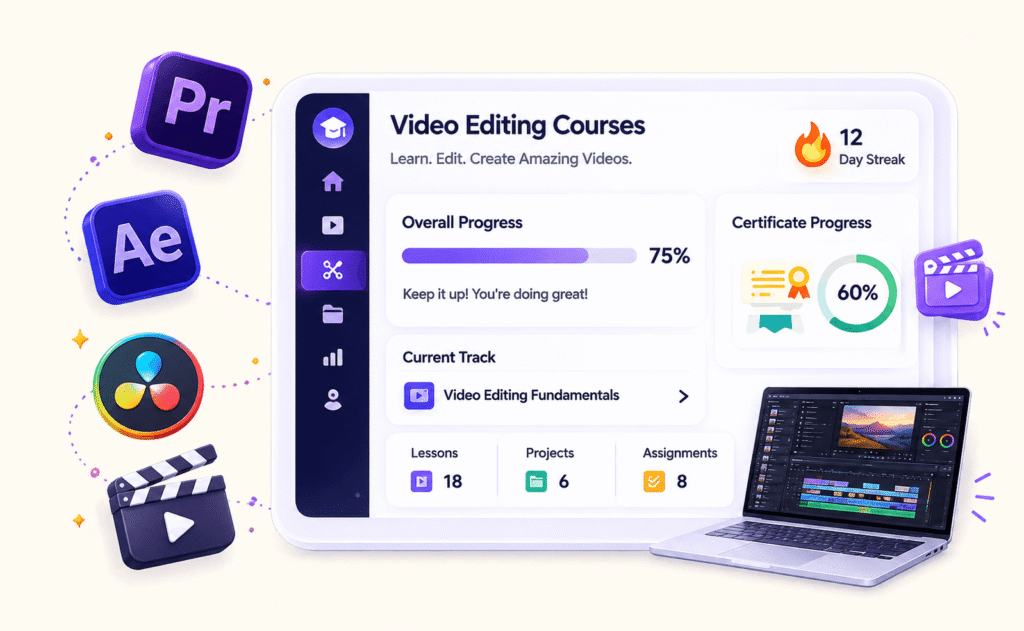
Video Editing
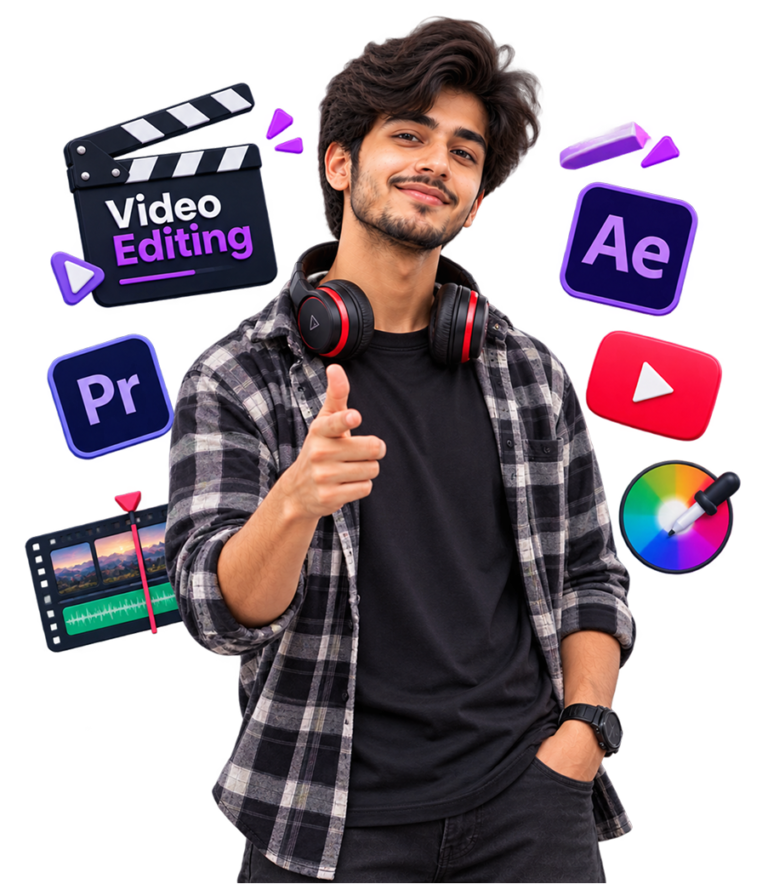
Learn Adobe Premiere Pro, After Effects, DaVinci Resolve, color grading, sound design, and professional post-production workflows through hands-on training and real-world projects guided by experienced industry editors.
300+
Students Trained
98%
Success Rate
4.8/5
Student Rating
Everything You
Need To Know
Choose the training track that matches your career goals and learning pace.
Included in the program
Certificate
Live Projects
Offline Training
Portfolio Building
Placement Support
Industry Software Tools
Freelance Training
Internship
Your Career Journey
From Learning to Landing Your Dream Job
Specialized Video Editing Courses for
Every Career Goal
Work on real-world projects that help you practice, build your portfolio, and gain the skills clients and companies look for.
Digital Content & Commercial Editing Masterclass
Mode: Live Online & Classroom
- Hook Mechanics & Retaining Audience Attention
- Kinetic Typography & Fast-Paced Transitions
- Ad Scripting & Pacing for Brands
- Sound Design for Digital Platforms
- High-Ticket Freelance Pitching & Client Acquisition
Professional Video Editing
Mode: Classroom & Live Online
- Core Technical Mastery (Adobe Premiere Pro & After Effects)
- Basic Color Grading & Wheel Control
- Motion Graphics Basics (After Effects)
- Reels, News Channel and Production House’s Edit Workflows
Master Diploma in Film & Commercial Post-Production
Mode: Classroom & Live Online
- Advanced NLE Systems (Adobe Premiere Pro & DaVinci Resolve)
- Sound Design, Foley Mechanics & Audio Mixing
- Cinematic Color Grading & Wheel Control
- Visual Effects & Motion Graphics Basics (After Effects)
- Feature Film & Ad Edit Workflows
- Professional Portfolio & Showreel Development
After Completing This Course
Gain practical skills and confidence to start your web development journey professionally.
Edit Using Adobe Premiere Pro & DaVinci Resolve
Master Sound Design & Audio Mixing
Work with Real-World Footage & Client Briefs
Build a Professional Portfolio & Showreel
Apply Cinematic Color Grading Techniques
Understand Ad, Reel & Film Edit Workflows
Design Motion Graphics with After Effects
Prepare for Editor, Freelance & Agency Roles
Ready For Jobs, Freelancing
& Real-World Projects
Build in-demand skills, gain real-world experience, and take the next step in your career.
Portfolio Ready
Ship 3–4 real backend projects
Industry Skills
Learn tools studios actually use
Interview Ready
Practice editor interview scenarios & client briefs
Launch Your Video Editing Career With SPRICORE TRAININGS
Build a successful career in Video Editing with practical training at SPRICORE TRAININGS. Learn Premiere Pro, After Effects, DaVinci Resolve, color grading, sound design, and real-world post-production projects through hands-on practice and industry-focused guidance.
300+
Students Trained
Join 300+ learners who have built strong editing foundations with Spricore.
250+
Successful Career Transitions
Our portfolio-focused approach and interview prep have helped 250+ students land roles as Video Editors, Motion Designers & Content Creators.
Frequently Asked Questions
How do I enroll in a course?
Visit the Training page and click "Enroll Now" on the PHP course card. Fill the short form and our counsellor will confirm your seat within 24 hours.
What is the duration and structure of the Video Editing training?
Live sessions, hands-on projects, and assessments aligned with industry standards — flexible schedule, mentor-led sessions, project evaluations, and a certificate on completion.
Do you offer weekend batches?
Yes, we have weekend and evening batches available for working professionals.
Is this course beginner-friendly?
Yes, no prior editing experience is needed. We start from the basics and build up to professional post-production projects.
Do you provide placement assistance?
Yes, we provide placement support through portfolio building, interview prep, and job referrals.

Can I get a demo or trial class before enrolling?
Yes, you can request a free demo class before enrolling.